
Aviator Bankroll Limits and Session Control Explained
A $100 bankroll gives a $2 maximum stake when you apply a 2% per-round limit. That number is the starting point for controlling an Aviator session, not a promise of profit.
Aviator is a crash game by Spribe. The multiplier rises from take-off and the round can end at any time, so bankroll rules matter before the first bet.
Set the 2% stake limit
Aviator rounds usually last 8 to 30 seconds. A bankroll rule of 2% keeps one round from deciding too much of a session.
A $50 bankroll means a $1 maximum stake. A $250 bankroll means a $5 maximum stake. The calculation stays the same as the balance changes.
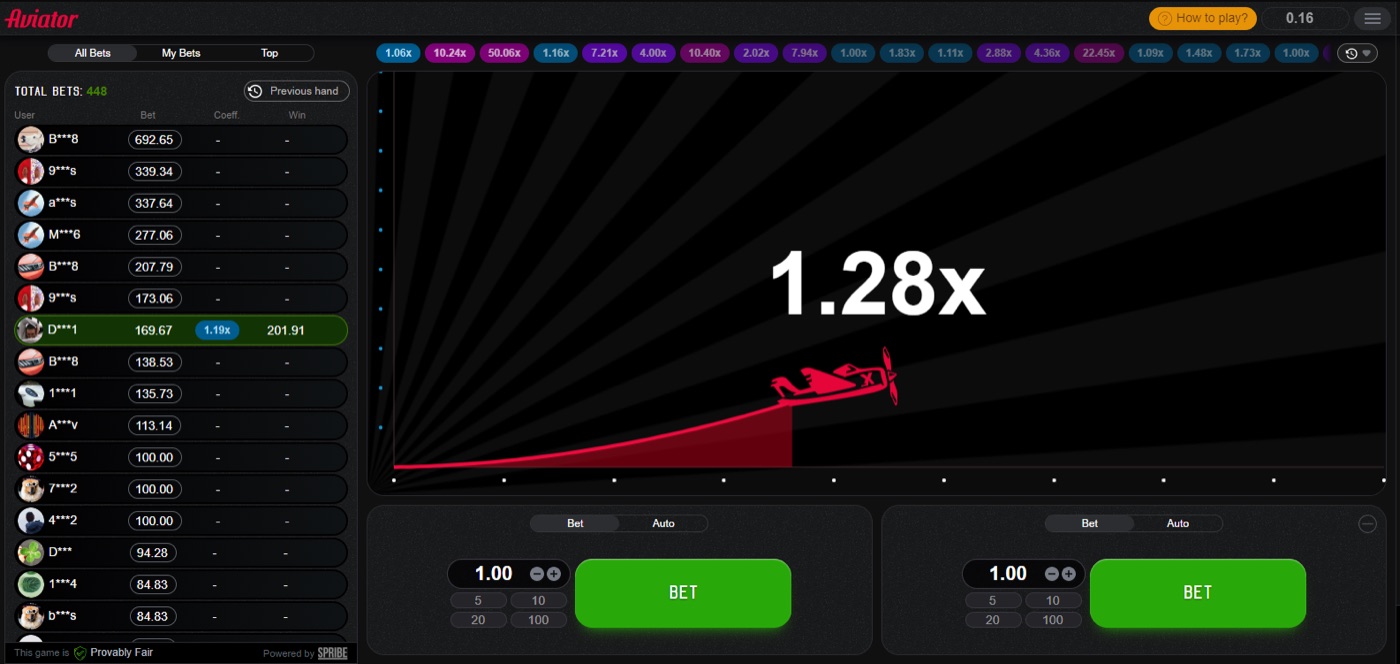
The Aviator game screen shows the plane in flight before the crash point.
Use the balance available for the session, not money intended for another purpose. Write the amount down before opening the game. Then divide it by 50 to find a 2% stake.
- $25 bankroll: $0.50 maximum stake.
- $50 bankroll: $1 maximum stake.
- $100 bankroll: $2 maximum stake.
- $500 bankroll: $10 maximum stake.
The 2% figure applies to each bet panel used in a round. Two $2 bets would put $4 at risk from a $100 bankroll, or 4% of that balance. A player who uses two bets should decide whether the 2% rule applies to each panel or to the combined round exposure.
Aviator includes two bet panels in each round. They can have separate cash-out targets. This makes it possible to split a stake, but splitting does not reduce the game’s house edge.
- Choose the session bankroll.
- Calculate 2% of that amount.
- Set the maximum total stake for one round.
- Do not increase the amount after a loss.
Martingale does the opposite. It doubles the stake after each loss, reaching 1,024 times the base stake after 10 losses. That progression can exceed a bankroll quickly, even when the first stake looks small.
Start with demo play
Spribe provides a demo mode that needs no registration. The demo works on desktop, tablet, and mobile browsers.
Aviator has 60 to 90 rounds per hour. Demo play lets a player practise the controls before real money enters that fast sequence.
Use demo mode to test the Bet and Auto tabs. Check where the stake field sits, how Auto Cash-Out works, and how the round history appears. The goal is to remove interface mistakes from a real session.
- Open demo mode through the operator demo or demo.spribe.io.
- Place practice bets at the planned stake.
- Test a preset Auto Cash-Out multiplier.
- Watch the result without changing the next stake.
- Stop after the planned number of rounds.
The interface also has Auto Bet or Auto Play for 10 to 100 rounds. These tools can include stop-on-win and stop-on-loss settings. They follow instructions; they do not predict the next crash point.
Demo mode can show how quickly rounds arrive. A few seconds may pass between rounds. That short gap can encourage rushed decisions, so a player should decide the stake and session length before switching from demo to real play.
The typical quick-stake buttons can speed up entry. Speed is not an advantage here. It makes a written limit more useful because the player does not need to calculate the stake during every round.
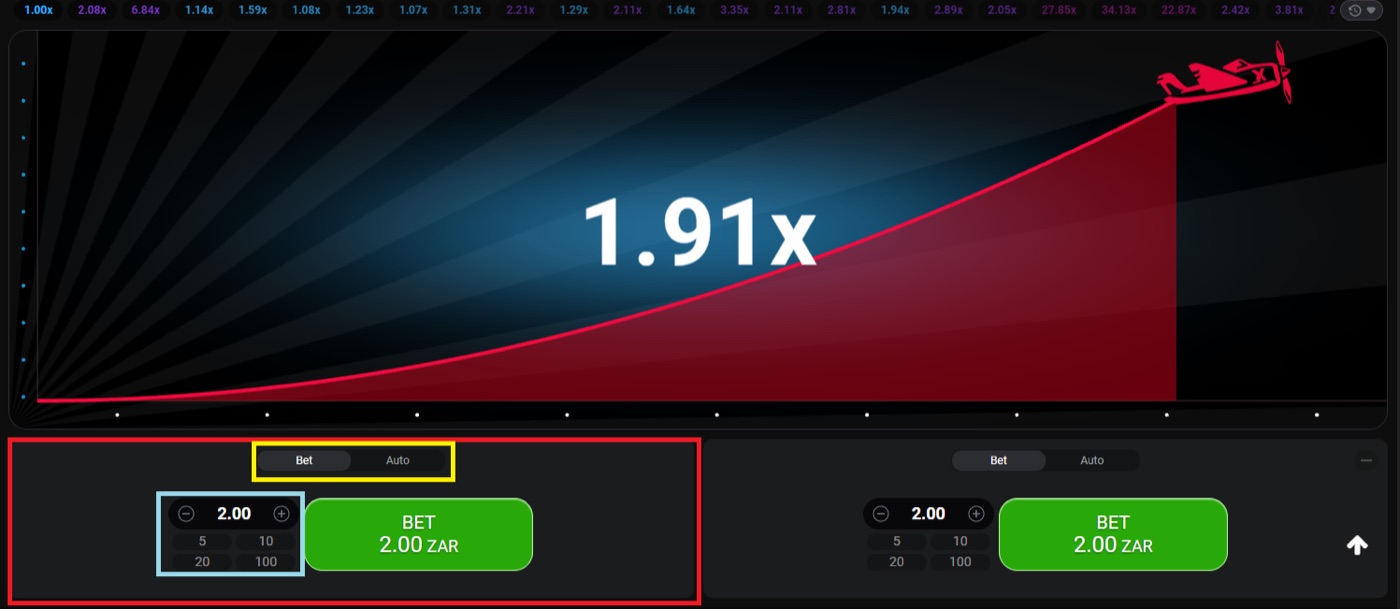
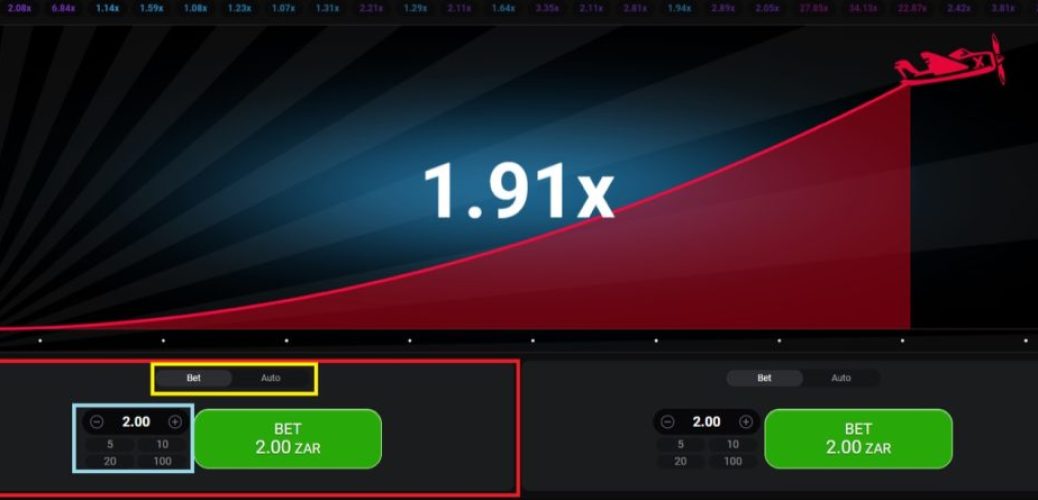
The desktop round shows a 1.91x multiplier and two separate bet panels.
Use loss and win limits
A $100 session with a $20 loss limit ends when the balance falls to $80. A $100 session with a $15 win limit ends when the balance reaches $115.
Loss and win limits define the session before variance starts. They do not change the 3% house edge or make a target more likely.
| Session bankroll | 2% round limit | Example loss limit | Example win limit |
|---|---|---|---|
| $50 | $1 | $10 | $10 |
| $100 | $2 | $20 | $20 |
| $250 | $5 | $50 | $25 |
| $500 | $10 | $100 | $50 |
The table gives planning examples. Operators may set different minimum stakes, maximum stakes, and win caps. Typical stakes range from about $0.10 to $100 per bet, but the available amount depends on the operator.
A loss limit should include all bets placed in the session. If a player starts with $100 and loses $20 across several rounds, the limit has been reached. A later deposit creates a new financial decision, not a reason to continue the same session.
- Choose one session bankroll.
- Set the loss amount before betting.
- Set the win amount before betting.
- Stop when either boundary is reached.
- Record the result before starting another session.
The game offers Auto Play with stop-on-loss and stop-on-win options. Those settings can support a plan, but the player still needs to enter realistic values. A stop-on-loss setting cannot recover a loss that has already been accepted.
Use gambling money only when a loss is affordable. Do not chase a loss by raising the stake.
A win limit matters because a rising balance can lead to longer play. The limit converts a temporary result into a clear stopping point. It also prevents a player from treating a previous win as a larger bankroll without making a separate decision.
For a $100 session, one possible plan is a $2 maximum round stake, a $20 loss limit, and a $20 win limit. The plan allows up to 10% movement before stopping. It does not guarantee that 10 rounds will occur or that the balance will move in either direction.
For a $500 session, the same structure gives a $10 maximum round stake. A $50 loss limit and a $50 win limit create a narrower session boundary than a $100 loss limit. The correct value depends on what the player can afford to lose.
Read the round probabilities
Aviator has an RTP of 97% and a house edge of 3%. The expected value is minus 3% of the stake at every cash-out target.
The probability of reaching multiplier m is 0.97 divided by m. A 2x target has a 48.5% probability, while a 10x target has a 9.7% probability.
These figures explain why a high cash-out target can produce larger individual wins but more losing rounds. They do not identify the result of the next round. Rounds are independent.
| Cash-out target | Probability of reaching it |
|---|---|
| 1.2x | 80.8% |
| 1.5x | 64.7% |
| 2x | 48.5% |
| 3x | 32.3% |
| 5x | 19.4% |
| 10x | 9.7% |
| 20x | 4.85% |
About 3% of rounds, or roughly 1 in 33, crash instantly at 1.00x. A target at 1.5x therefore still loses on rounds that end below that multiplier.
Some strategy guides use Auto Cash-Out between 1.5x and 2x. Other guides split two bets, cashing one at 1.5x to 2x and leaving the other for 5x to 10x. Those choices change variance, not the edge.
Players may search for a crash game calculator or aviator download apk while comparing stake and cash-out options, but no calculator changes the committed crash point or the 3% edge.
- Lower targets can be reached more often than higher targets.
- Higher targets can fail more often before they are reached.
- A previous multiplier does not control the next multiplier.
- A graph or pattern does not change the stated probabilities.
There is no reliable “best time” created by playing off-peak. Off-peak play may give a smoother connection, but it does not improve the odds. Fibonacci and D’Alembert systems also do not beat the 3% edge.
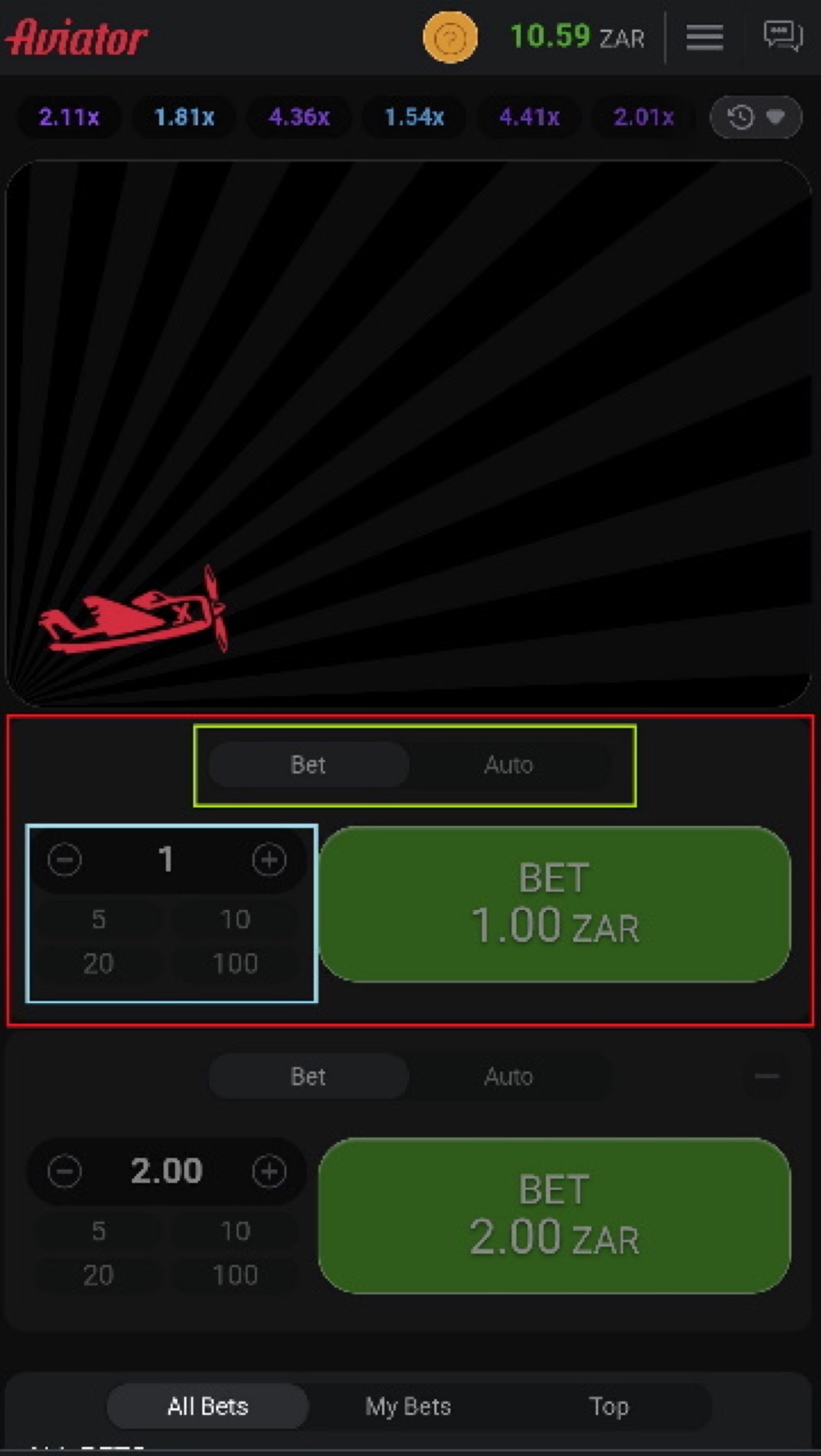
The mobile view places Aviator betting controls on a smaller screen.
Control auto betting
Auto Play can run for 10 to 100 rounds. Auto Cash-Out can use a preset multiplier.
The two settings control repetition and exit timing. They do not forecast a crash point or turn a high-variance game into a fixed-return product.
Auto tools can help keep a planned stake unchanged. They can also place many bets while the player is distracted. A 2% rule therefore needs a round count and a stop point, not only a stake value.
- Set the stake at or below 2% of the session bankroll.
- Choose the cash-out target before starting Auto Play.
- Use the lowest round count that fits the session plan.
- Set stop-on-loss at the full session loss limit.
- Set stop-on-win at the planned profit limit.
- Stop the session when the tool finishes or a limit triggers.
Two bet panels require extra care. A $2 first bet and a $2 second bet create a $4 combined stake. If the session bankroll is $100, that is 4% in one round, even if each panel individually follows a 2% rule.
Separate cash-outs can reduce the need to make a second decision during the round. They cannot remove the possibility that the round crashes before either target. The player should count both panels in the loss limit.
Typical quick stakes make it easy to press a larger amount than planned. Remove that option from the plan by deciding the maximum stake before opening the round. If the operator’s minimum stake is above the calculated 2% amount, the player cannot follow that limit at that bankroll size.
Operators also set win caps per round. Spribe does not publish one universal maximum multiplier, and guides quote different figures. A player should treat the operator’s displayed conditions as the applicable limit.
Check fairness and cash-out
Spribe publishes a SHA-256 hash of the server seed before each round. The crash point is fixed before take-off.
Player client seeds combine with the server seed, and the inputs become checkable after the round. The verification tool appears inside the game.
The Provably Fair badge identifies the fairness system in the interface. Neither the operator nor Spribe can change a result after the round starts, according to the described system.
- The server publishes the hash before the round.
- Client seeds from players are combined with the server seed.
- The crash point is fixed before take-off.
- The inputs are revealed after the round.
- The player can use the in-game verification tool.
A cash-out request must reach the server before the crash. A time-out can result from latency or a slow device. It does not create a new cash-out after the crash point.
Mobile play can work on low-bandwidth connections and budget devices, but connection conditions still matter. A player should avoid increasing the stake to compensate for a delayed screen or a missed cash-out.
Aviator runs inside an operator’s website or app. Spribe does not provide a standalone official Aviator app. The operator controls available stakes, payment methods, win caps, and some promotional settings.
Aviator FAQ
Aviator launched in January 2019. Spribe describes it as a social multiplayer game with an increasing curve that can crash at any time.
The game is a crash game, not a slot. It has no bonus round.
What is the 2% Aviator rule?
The rule limits one planned stake to 2% of the session bankroll. With $100 available, the maximum planned stake is $2. If two bet panels are used, count their combined amount when applying the rule.
Can I play Aviator for free?
Yes. Demo mode needs no registration and works in desktop, tablet, and mobile browsers. It allows practice with the interface without using a real-money stake.
Can an app predict Aviator?
No. The crash point is committed by hash before the round. Predictor apps, signal bots, graphs, and patterns cannot calculate the next result.
How do I set a loss limit?
Choose the session bankroll and subtract the planned loss amount. For example, a $100 bankroll with a $20 loss limit stops at $80. Auto Play may include stop-on-loss, but the player should still monitor the session.
Why did my cash-out time out?
The cash-out request must reach the server before the crash. Latency or a slow device can delay the request, so the displayed multiplier may not be the accepted cash-out result.
Where can I play Aviator?
Aviator is available through operators that offer the game. Minimum stakes, maximum stakes, win caps, payment methods, and promotional terms depend on the operator.